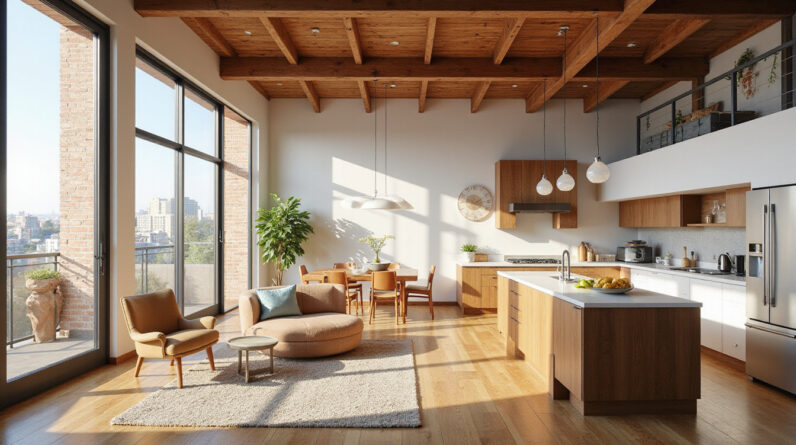


A thoughtful home office setup can be the difference between distracted days and deep, focused work. You don’t necessarily need a full renovation or expensive furniture; a strategic makeover using smart design hacks can dramatically improve your productivity, comfort, and even your motivation to sit down and get things done.

Below is a practical, people-first guide to transforming any corner of your home into a high-performing workspace.
1. Start with Purpose: Define What Your Home Office Needs to Do
Before moving furniture or buying a new chair, get clear on how you actually use your home office.
Ask yourself:
- Do you mostly do computer work, phone calls, or creative tasks?
- Do you need room to spread out papers or tools?
- Will you host video calls with clients or coworkers?
- Do you share the space with a partner or kids?
This will guide every design decision:
- Knowledge workers (writers, developers, analysts) benefit from a clean desk, good monitor setup, and acoustic control.
- Creative pros (designers, artists, makers) need flexible surfaces, storage for supplies, and visual inspiration.
- Managers and consultants need a professional backdrop, reliable audio, and a layout that supports frequent calls.
Clarifying your primary activities lets you avoid cluttering your workspace with items you don’t really need—and ensures you invest in things that matter.
2. Choose the Right Spot: Location Shapes Focus
Even if you don’t have a separate room, the location of your home office within your home has a huge impact on productivity.
Prioritize:
- Low traffic: Avoid hallways and main living spaces where people frequently walk by.
- Low noise: Stay away from laundry rooms, play areas, or street-facing windows if possible.
- Natural separation: A room with a door is ideal, but even a room corner with a rug or bookcase divider can signal “work zone.”
If space is tight:
- Use a closet office (cloffice): a small desk inside a closet with good lighting and shelves above.
- Convert part of a bedroom corner with a compact desk and a freestanding screen for visual separation.
- Create a pop-up home office with a fold-down wall desk that tucks away when not in use.
The more your brain can associate one specific area with work, the easier it becomes to slip into a focused state when you sit there.
3. Master Ergonomics: Comfort That Protects Your Energy
Poor ergonomics leads to pain and fatigue, which quietly destroy productivity. You don’t need a fully custom setup, but you do need a few key elements.
Desk and Chair Basics
Aim for:
- Chair height: Feet flat on the floor, knees at roughly 90°, hips slightly higher than knees.
- Desk height: Forearms parallel to the floor when typing, shoulders relaxed.
- Monitor height: Top of the screen at or slightly below eye level, about an arm’s length away.
Practical hacks:
- Use books or a laptop stand to raise your screen.
- Add a small footrest (even a sturdy box) if your feet don’t reach the floor.
- If buying one thing, invest in a supportive chair with lumbar support—it matters more than most other purchases.
Good ergonomic setups reduce musculoskeletal strain and help you sustain deep work longer (source: Occupational Safety and Health Administration).
4. Light It Right: Optimize for Focus and Eye Comfort
Lighting is one of the most overlooked aspects of a home office makeover—and one of the most powerful.
Use Natural Light Strategically
- Position your desk perpendicular to a window if possible.
- Avoid having the window directly behind you (backlighting will ruin video calls) or directly in front (glare on screens).
- If you face a window, add sheer curtains or blinds to soften brightness.
Layer Your Lighting
Combine:
- Ambient light – ceiling light or floor lamp to evenly light the room.
- Task light – adjustable desk lamp positioned on the opposite side of your writing hand to reduce shadows.
- Accent light – soft wall or shelf lights to reduce harsh contrast and create a pleasant background for video.
Choose warm-to-neutral bulbs (around 3000–4000K) to reduce eye strain and avoid the harsh, overly blue feel of some LEDs.
5. Tame the Tech: Smart Layout for Digital Flow
Your home office technology should feel invisible—not like a tangle of cords and constant friction.
Smart Tech Setup Tips
- Single power hub: Use one high-quality surge protector mounted under your desk to keep cords tidy.
- Cable management: Use clips, Velcro ties, or a cable tray to keep wires off the floor and out of sight.
- Dual monitors or ultrawide: If your work involves multiple apps, extra screen space can significantly speed up multitasking.
- Dedicated charging zone: A small corner with a multi-device charger for phone, tablet, and headphones stops cables from spreading across the desk.
For remote collaboration:
- A decent external microphone or headset can dramatically boost call quality.
- A simple ring light or desk lamp aimed behind your monitor improves your appearance on video calls.
6. Design for Focus: Visual Cues and Minimal Distractions
A visually chaotic home office constantly pulls at your attention. Strong visual cues can nudge your brain into “work mode” and help you stay there.
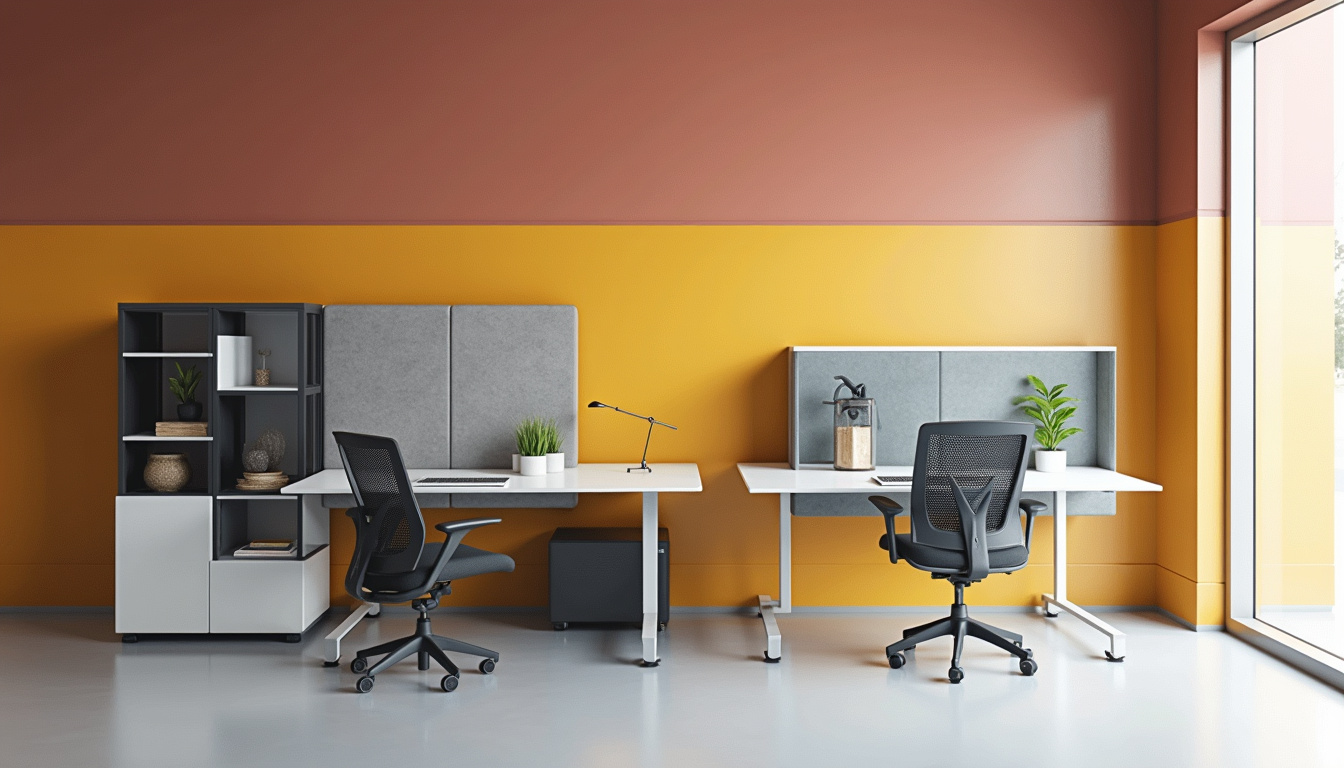
Use Zones to Structure Your Space
Even in a small room, create micro-zones:
- Deep work zone: Your primary chair, desk, and monitor—kept as clear as possible.
- Reference zone: Shelf or drawer for books, notebooks, and documents you use regularly.
- Thinking zone (optional): A chair by a window or a standing area for planning, brainstorming, or calls.
Control Visual Noise
- Keep only current project items on your desk; archive everything else in drawers or boxes.
- Use matching containers (boxes, trays, or baskets) to store small items, creating a cleaner, calmer visual field.
- Turn off non-essential notifications and keep your phone out of arm’s reach during deep work blocks.
7. Use Color and Decor to Influence Mood and Motivation
Color and decor aren’t just about aesthetics—they influence how you feel in your home office.
Choose Colors Intentionally
- Blues and greens: Promote calm and focus—great for knowledge work.
- Neutrals (white, beige, grey): Create a clean background, easy on the eyes.
- Sparingly used accents (mustard, terracotta, teal): Add energy without overwhelming.
You don’t need to repaint the room. Start with:
- A colored desk mat or mouse pad.
- A framed art print or two in your eye line.
- A throw pillow or small rug for warmth and personality.
Add a Little Inspiration
Keep a few meaningful items where you can see them but don’t let them crowd your workspace:
- A short quote that reflects your goals.
- A photo reminding you who you’re doing this for.
- A simple vision board placed away from your main screen so it encourages reflection, not distraction.
8. Storage and Organization: Design a “Reset in 5 Minutes” System
A productive home office isn’t about never making a mess—it’s about being able to reset quickly.
The 3-Level Storage Strategy
- Visible and within reach: Only what you use daily (laptop, notebook, pen cup, main tools).
- Hidden but close: Drawer units, rolling carts, or shelves for weekly-use items.
- Out of sight: Closets, bins, or high shelves for rarely used or archived material.
Practical storage hacks:
- Use a rolling cart for supplies if your desk is small—roll it out when working, tuck it away afterwards.
- Use vertical space: wall-mounted shelves, pegboards, or wall files keep surfaces clear.
- Keep one “inbox” tray for papers and to-dos to process once a day, rather than letting piles spread.
Design your system so that, at the end of the day, you can reset your office to “ready for tomorrow” in five minutes or less.
9. Add Biophilic Elements: Nature as a Performance Enhancer
Elements of nature—known as biophilic design—can improve well-being and cognitive performance in your home office.
Simple ways to do this:
- Add one or two low-maintenance plants (snake plant, pothos, or ZZ plant).
- Place your desk so you can see outside if you have a window view.
- Incorporate natural materials: wood desk, cork board, stone coasters, or a jute rug.
- Use nature imagery: art prints of landscapes or abstract organic patterns.
Studies suggest that exposure to nature (even through indoor plants or images) can reduce stress and support attention and productivity.
10. Create Routines with Your Design: Behavioral Cues
Your physical home office setup can reinforce good work habits.
Build Rituals Into Your Space
Use your environment to cue specific behaviors:
- Start-of-day ritual: Turn on a particular desk lamp, place your water bottle and notebook, close unrelated browser tabs.
- Deep work signal: Put on noise-cancelling headphones, close your door (or move a “Do Not Disturb” sign into place).
- End-of-day ritual: Clear the desk, update tomorrow’s to-do list, turn off a specific lamp to signal “office closed.”
Over time, these physical cues help your brain switch gears faster between home life and focused work.
11. Quick-Impact Changes: A One-Weekend Home Office Makeover
If you want a high-leverage transformation in a short time, focus on these key steps:
-
Declutter ruthlessly
- Remove everything from your desk except essentials.
- Box up little-used items and store them elsewhere.
-
Optimize ergonomics
- Adjust chair and screen height.
- Add a laptop stand, external keyboard, or mouse if needed.
-
Fix lighting
- Reposition your desk relative to the window.
- Add or adjust a desk lamp for balanced lighting.
-
Improve organization
- Create one inbox tray for paper.
- Add one rolling cart or drawer unit for supplies.
-
Refresh aesthetics
- Add one plant.
- Add one piece of art or a pinboard with curated, not cluttered, inspiration.
- Use a desk mat or rug to visually define the workspace.
With these targeted tweaks, your home office can start to feel like a dedicated, professional environment that supports your best work.
At-a-Glance Checklist: High-Performance Home Office Essentials
Use this quick list to review your space:
- [ ] Low-distraction, defined workspace location
- [ ] Ergonomic chair and properly positioned screen
- [ ] Layered lighting (ambient + task + optional accent)
- [ ] Cable and tech setup that feels tidy and reliable
- [ ] Clear desk with only essential items in reach
- [ ] Simple, fast-reset storage system
- [ ] At least one natural element (plant, view, materials)
- [ ] A professional, uncluttered video call background
- [ ] Visual cues and small rituals for starting and ending work
FAQ: Home Office Design and Productivity
Q1: How can I make a small home office more productive?
Focus on vertical space and clear zones. Use wall shelves, pegboards, or wall files to keep your desk clear, choose a compact desk that fits the nook you have, and use a rolling cart for supplies. Keep only daily essentials visible; everything else goes into drawers or boxes.
Q2: What are the most important home office essentials for remote work?
At minimum: a supportive chair, a desk or stable table at the right height, good task lighting, and a reliable tech setup (laptop, stable internet, and basic cable management). If you take calls, add a headset or external mic and ensure your background is uncluttered and professional.
Q3: How should I organize a home office to stay focused?
Create a dedicated work zone with a clear desk, limit visual distractions in your field of view, and use a simple inbox system for incoming tasks and papers. Set up end-of-day routines—like five-minute tidy-ups—to reset your space so you start each morning with a clean, ready-to-work home office.
A well-designed home office doesn’t have to be large or luxurious—it just needs to be intentional. By tuning your space for ergonomics, lighting, storage, and focus, you create an environment that works with you instead of against you. If your current setup leaves you tired, distracted, or constantly improvising, now is the perfect time to give yourself a practical, productivity-boosting makeover.
Start with one area—ergonomics, lighting, or decluttering—and upgrade it this week. Then build from there. Each small change compounds into a workspace that supports deep focus, clearer thinking, and better results every day you sit down to work.