


Universal design is more than a buzzword — it’s a mindset that makes products, spaces, and digital experiences usable by the widest possible audience. When teams adopt universal design early, they reduce barriers, lower long-term costs, and create happier users. This article translates theory into practical, people-first strategies you can apply today.

Why universal design matters for people and business
Universal design focuses on creating environments and interfaces that work for everyone, regardless of age, ability, or circumstance. That means fewer retrofit fixes later, improved customer satisfaction, and stronger brand reputation. From a business perspective, designing universally often increases market reach and reduces legal risk tied to inaccessible products or spaces. For people, it means dignity, independence, and the ability to participate fully.
Core principles that guide effective universal design
The original seven principles of universal design—such as equitable use, flexibility, and perceptible information—provide a strong foundation for decisions in architecture, product design, and digital UX. These principles were developed by the Center for Universal Design at North Carolina State University and remain practical and relevant for designers today (https://projects.ncsu.edu/ncsu/design/cud/) (source).
Seven universal design secrets that actually work
Below are seven actionable secrets you can apply to boost accessibility and user experience. Use them as checkpoints during concept, development, and testing phases.
-
Start with people, not personas
Real people have complex, overlapping needs. Conduct mixed-method research (interviews, observation, and accessibility testing) with diverse participants to uncover real-use scenarios. Avoid relying on idealized personas that skip common accessibility barriers. -
Make the first interaction forgiving
Design onboarding, entry points, and first-time use to be flexible and reversible. Provide undo options, clear progress indicators, and alternatives for common tasks so people don’t get stuck early. -
Use multiple modes to communicate
Combine visual, auditory, and tactile cues. For digital products, provide text alternatives for images, captions for video, and clear labels for controls. For physical spaces, pair signage with tactile elements and audible wayfinding where appropriate. -
Prioritize simplicity, not minimalism
Simplicity reduces cognitive load. Use clear layouts, predictable navigation, and plain language. Minimalist designs that hide options or rely on icon-only interfaces can create barriers—especially for new or neurodivergent users. -
Design for error tolerance
Assume users will make mistakes. Provide confirmations for destructive actions, contextual help, and forgiving forms (e.g., automatic formatting, helpful validation messages). -
Make features adaptable and customizable
Allow users to adjust font sizes, contrast, control layouts, and input methods. Customizability empowers people with differing needs to create a usable personal experience without altering the core product. -
Integrate accessibility into workflows, not afterthoughts
Embed accessibility checks into design systems, QA processes, and automated testing. Train teams on universal design principles so accessibility becomes a built-in standard rather than a checklist item tacked on before release.
A quick checklist you can use now
- Audit entry points: Can new users complete your primary task within three steps?
- Test with assistive technologies: Screen readers, voice input, keyboard-only navigation.
- Offer alternatives: Captions, transcripts, and control remapping.
- Measure real-world success: Task completion rates, time on task, and satisfaction across diverse user groups.
- Document patterns: Build accessible components into your design system.
Applying universal design to digital and physical experiences
Digital: In apps and websites, universal design means supporting keyboard navigation, ensuring sufficient color contrast, and offering multiple ways to interact (touch, voice, keyboard). Use semantic HTML and ARIA where appropriate, and validate with accessibility tools plus manual testing. Small changes—like increasing hit targets, providing clear focus indicators, and offering adjustable text sizes—can dramatically improve usability for many users.
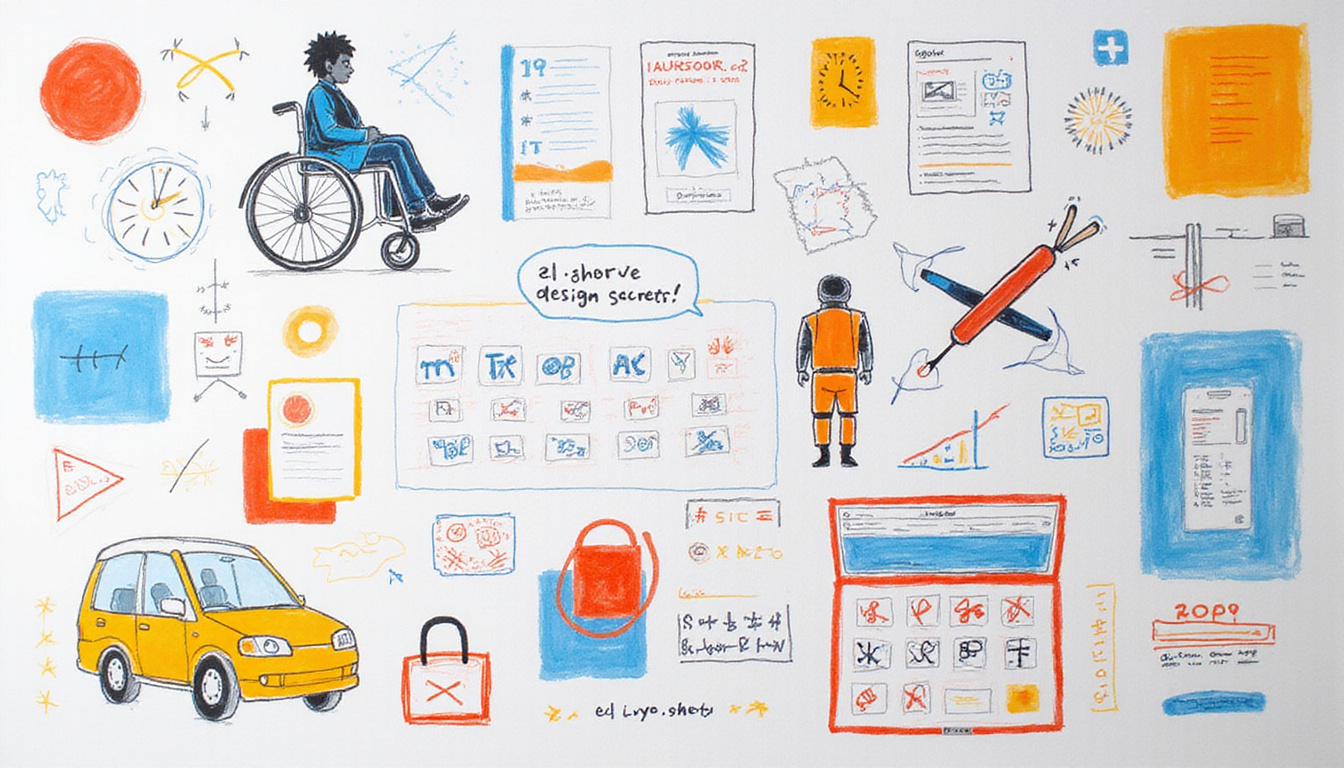
Physical: In built environments, universal design covers entrances, circulation, and wayfinding. Think ramp gradients, lever handles, ample signage with high contrast, and flexible seating areas. Sensory-friendly spaces—reduced noise, adjustable lighting, and quiet zones—benefit people with sensory sensitivities and create more comfortable experiences for everyone.
How to measure impact and justify investment
Quantify improvements with both qualitative and quantitative metrics:
- Usability metrics: task success rate, error rate, and time on task.
- Business metrics: conversion rate lift, reduced support tickets, and broader market reach.
- Empathy metrics: satisfaction surveys and Net Promoter Score segmented by accessibility needs.
Pair lab testing with analytics to see where users struggle in the wild. Highlight cost savings from reduced retrofits and support calls. Demonstrating how universal design contributes to retention and acquisition makes it easier to secure budget and leadership buy-in.
Common pitfalls to avoid
- Waiting until the end: Retrofitting accessibility is costly and less effective.
- Over-reliance on automated tools: These find issues but miss many real-world problems; manual testing with diverse users is essential.
- Treating accessibility as a checklist: Universal design is iterative and contextual—what works for one audience or environment may need adaptation elsewhere.
One practical roadmap for teams
- Phase 1 — Discovery: Interview diverse users, audit current pain points, and map primary tasks.
- Phase 2 — Design: Prototype inclusive patterns, build adaptable components, and document usage guidelines.
- Phase 3 — Build: Integrate accessibility tests in CI/CD, and ensure developers have clear implementation specs.
- Phase 4 — Validate: Conduct usability testing with people who use assistive technologies and run post-launch monitoring.
FAQ — quick answers to common universal design questions
Q: What is universal design and why is it important?
A: Universal design is an approach to creating environments and products that are usable by as many people as possible without adaptation. It’s important because it improves accessibility, broadens market reach, reduces retrofit costs, and fosters dignity and independence for users.
Q: How does universal design improve accessibility in digital products?
A: Universal design in digital products involves designing interfaces that support multiple modes of interaction (keyboard, touch, voice), clear visual hierarchy, sufficient contrast, and semantic markup. These practices make content accessible to people using assistive technologies and improve overall usability.
Q: What are universal design principles I can apply right away?
A: Apply principles like equitable use (design for people with diverse abilities), flexibility (multiple ways to interact), and perceptible information (present information in different modalities). Start with simple fixes like clear labels, keyboard support, and text scaling.
Authoritative resource
For foundational principles and historical context on universal design, the Center for Universal Design at North Carolina State University provides the original seven principles and practical guidance (https://projects.ncsu.edu/ncsu/design/cud/) (source).
Conclusion — small changes, big outcomes
Universal design isn’t about one grand overhaul; it’s a series of thoughtful choices that remove barriers and welcome more people. By prioritizing people-first research, building adaptable systems, and measuring impact, your team can create experiences that are not only accessible but more enjoyable for everyone.
Call to action
Ready to make accessibility a competitive advantage? Start by running a quick audit of your primary user flows using the checklist above, gather feedback from diverse users, and roll the most impactful fixes into your next sprint. If you want help designing an accessibility roadmap tailored to your product or space, reach out for a no-obligation consultation — together we’ll turn universal design principles into measurable results.